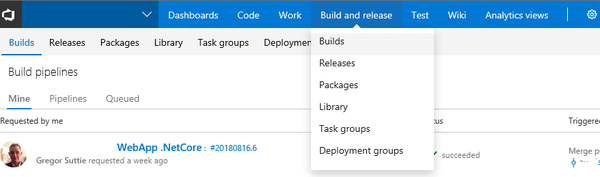

They also added some new features one of which I will cover briefly to give you a flavour of what you do with it.
With Azure Devops Microsoft have a suite of tools which combined are very powerful and cover a number of topics which I will in turn cover over the next few weeks and months (there is a lot to cover).
This quick blog post will cover some of the functionality in the newly released Azure Test & Feedback.
So the clue is in the name, and you can use this Chrome Browser extension tool to do the following and a lot more: -
- Take Screenshots of bugs and have them added straight into your current sprint in your Azure Board (with browser details etc.)
- Record videos of how you reproduce a bug and again have that added as a bug in the current sprint.
- Create Test Cases (not looked into this enough yet), but looks very sweet indeed
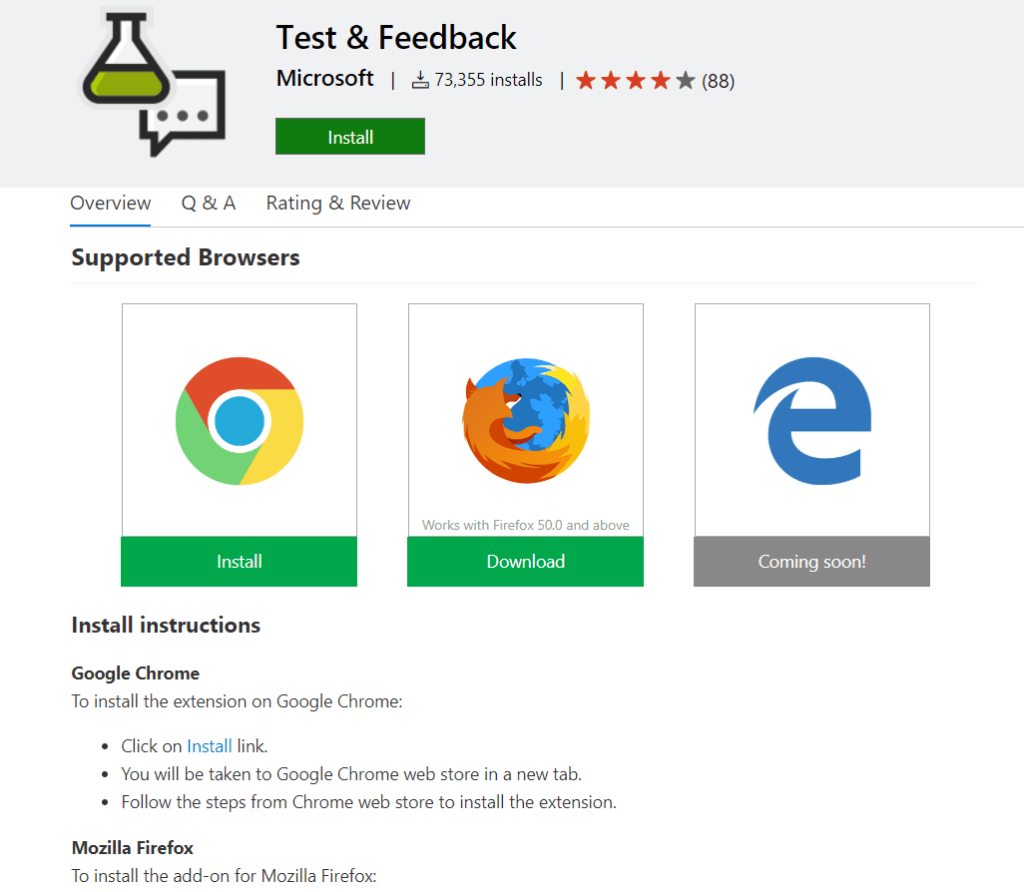
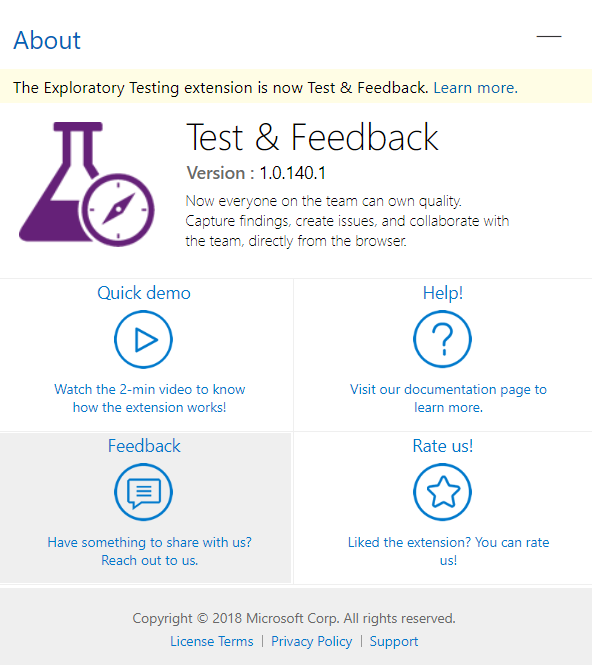
The below is a screen shot of the extension and you can even watch the quick demo, you can get the Chrome extension here: - https://marketplace.visualstudio.com/items?itemName=ms.vss-exploratorytesting-web
Download it take it for a test drive, you’ll be pleasantly surprised :)