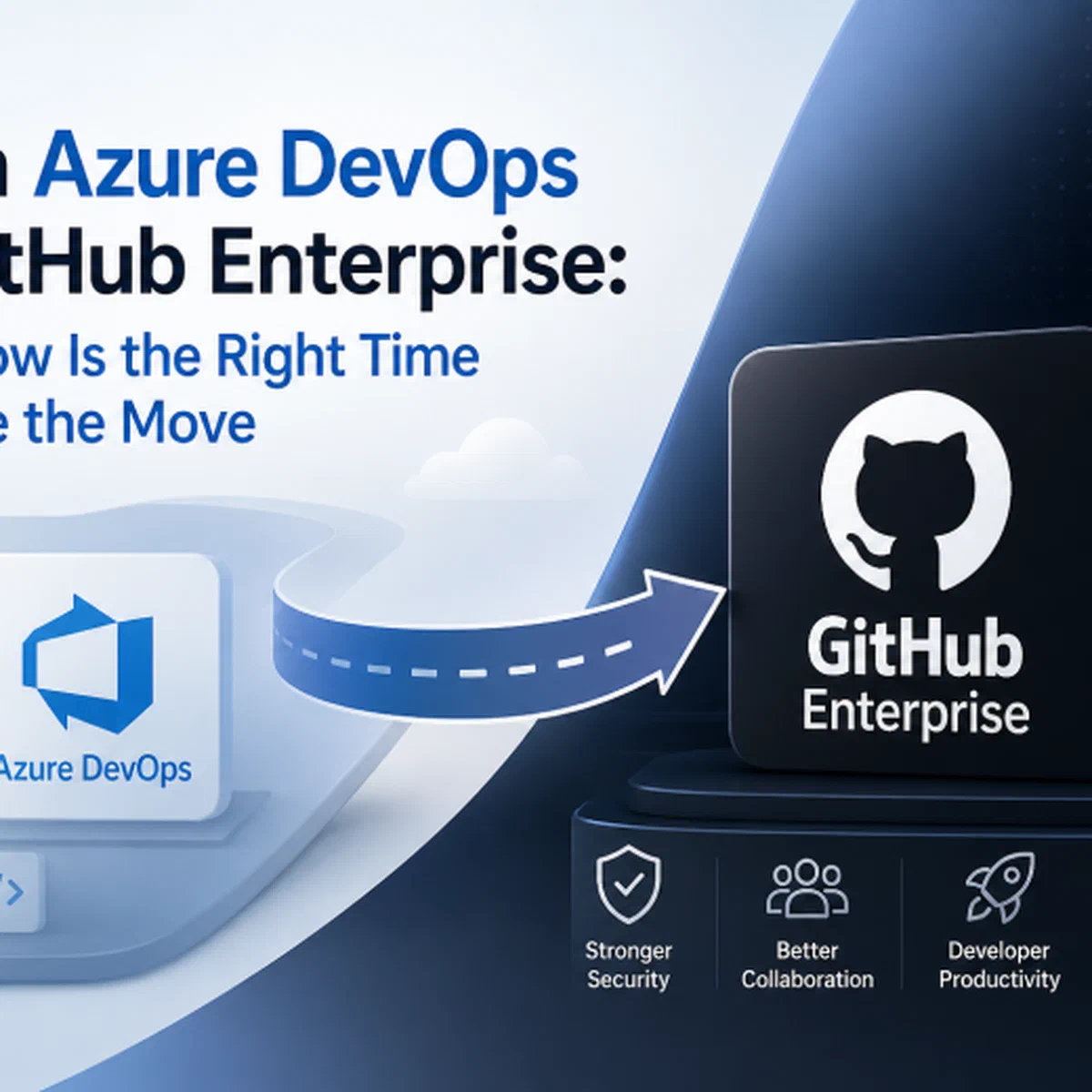
I have to start this blog post by saying I am an Azure DevOps fanboy and always will be. I’ve used it since day one. I’ve worked on a lot of projects over the years, using repos, building pipelines, and using Azure Boards throughout. Let get into this subject further.
For years, Azure DevOps has been the default choice for enterprise software teams. It has served organisations well, managing source code, running build pipelines, tracking work, and housing artefacts under one roof. It does the job.
GitHub Enterprise is something different though. Not just a nicer place to host code. It’s a platform built around developers rather than process governance, and the AI sitting on top of it has gotten good enough that it genuinely changes how code gets written. That last part is what shifted my thinking.
If your company is still on Azure DevOps, here’s the honest case for moving.
A Platform Built for Developers#
Azure DevOps grew out of Team Foundation Server. Its DNA is project management and governance - that’s what TFS was for, and you can still feel it in the bones of the product. GitHub started somewhere completely different: as a place developers actually wanted to be.
The pull request flow, the way repos are structured, the automation model, the tone of the whole platform - it all points in the same direction. Developers like spending time there. That sounds soft until you try to hire engineers and realise they already have GitHub profiles. Their open-source work lives there. The libraries they pull into your codebase live there. Over 180 million developers, depending on which GitHub statistic you read. Moving onto GitHub Enterprise means your team is on the same platform they already use for everything else.
Migrating Is Easier Than You Think#
he fear of migration is what kills most of these conversations before they start. In practice it’s not that bad - Microsoft and GitHub have put real engineering effort into making this work.
The GitHub Enterprise Importer (GEI) is the official CLI for moving from Azure DevOps. It carries over Git history, pull request history, repo settings, metadata. For a Git repo, it’s literally one command:
gh gei migrate-repo
–github-target-org “my-org”
–target-repo “my-repo”
–ado-source-org “my-ado-org”
–ado-source-team-project “MyProject”
–ado-source-repo “MyRepo”
For shops with hundreds of repos, GEI supports bulk scripts so you can queue and sequence the work. If you’re still on TFVC, you’ve got an extra hop - either git-tfs or Azure DevOps’s built-in TFVC-to-Git conversion - before you can run the importer. Annoying, but doable.
I’d recommend migrating in waves. Start with the repos no one will cry over if something goes sideways. Validate. Update integrations. Move to the important stuff once you trust the process. Once a repo lands on GitHub, branch protection, CODEOWNERS files and repo templates are sitting right there, and you’ll likely have better governance on day one than you had in Azure DevOps.
Actions vs Pipelines
If repo migration is the visible part, pipeline migration is where the actual work is. Azure Pipelines and GitHub Actions both run on YAML and look superficially similar, but the differences are real and you can’t just copy-paste your YAML across. Plan for some rewriting.
What you get for the effort is worth it though. Actions has a marketplace stuffed with pre-built actions - deployments to Azure, AWS and GCP, container builds, security scanning, the lot. And almost any event in GitHub can trigger a workflow. Not just pushes and PRs but releases, issue comments, schedules, manual dispatches. Once you start thinking event-first, it’s hard to go back.
For Azure deployments, ditch service principal secrets and use OIDC. Azure trusts GitHub’s identity provider, short-lived tokens get issued at runtime, and there’s nothing sitting in a vault waiting to leak:
- name: Azure Login (OIDC) uses: azure/login@v2 with: client-id: ${{ secrets.AZURE_CLIENT_ID }} tenant-id: ${{ secrets.AZURE_TENANT_ID }} subscription-id: ${{ secrets.AZURE_SUBSCRIPTION_ID }}
Multi-stage deployments translate cleanly. Build, dev, staging with approval gates, production - environment protection rules cover all of it. And reusable workflows are the equivalent of Azure Pipelines templates, so your DRY pipeline code lives in a central .github repo and gets pulled in by everything else.
Security stops being someone else’s problem#
In most Azure DevOps shops, security still works the old way: a scan before release, a pen test before go-live, findings dumped on developers weeks after the code was written. By the time someone’s looking at the finding, they’ve forgotten what they were trying to do when they wrote it.
GitHub Advanced Security pulls security into the pull request itself. Findings show up where the code is being reviewed, not in a separate report you’ll get to next sprint.
Three things drive this:
CodeQL. GitHub’s semantic scanner. Treats your code as a database you can query and goes after the obvious stuff - injection, XSS, insecure deserialisation, dodgy crypto, broken auth. Findings appear as inline annotations on the PR diff, and branch protection can stop the merge until they’re fixed. If you’ve already paid for Semgrep, Snyk, Sonar or Checkmarx, they all speak SARIF and feed into the same view.
Secret scanning with push protection. The bit everyone forgets about is the second half - push protection. Instead of catching secrets after they’re committed (too late, go rotate everything), it blocks the git push itself when it spots one of 200+ known credential patterns. The developer gets the error before the secret ever hits the repo. For partnered providers - AWS, Azure, Stripe, others - GitHub also pings the provider so they can revoke the token automatically.
Dependabot. Watches the dependency graph, raises alerts on known CVEs, and opens PRs to bump vulnerable packages to patched versions. The dependency review action blocks PRs introducing new vulnerable or licence-incompatible dependencies at merge time.

None of this needs third-party integrations or custom pipeline plumbing. It’s just there.
The Copilot question#
Everything above is a real step forward. Better repos, better pipelines, security that actually works in the developer loop. But honestly - the thing pushing organisations to move now is AI.
GitHub Copilot is the most adopted AI coding assistant in the world, and unlike a lot of AI tooling that bolts onto the side of your workflow, Copilot is properly woven in. IDE, pull requests, GitHub.com, and increasingly an autonomous agent that can implement whole features.
In the editor it does what most people have seen by now: real-time completions, single-line through to whole functions. In the Enterprise tier it’s also indexed against your own codebase, so it learns your libraries, your naming, your error handling, your internal APIs. That’s the bit that makes it feel different from generic Copilot - it stops suggesting plausible-but-wrong patterns and starts suggesting your team’s patterns.
Copilot Chat lives in the IDE and on GitHub.com. Ask it about unfamiliar code, request a refactor, debug a failing test, get it to write a workflow file from a description. Copilot Code Review does a first-pass review on every PR with inline suggestions, which doesn’t replace human review but does mean your reviewers spend their time on the things that matter rather than the obvious stuff.
The piece I’m watching most closely is Copilot Workspace. You describe a task, Copilot reads the relevant code, proposes a plan across files, makes the changes, writes the tests, drafts the PR description. The developer reviews everything before anything’s committed. It’s not replacing engineers - it’s collapsing the boring middle of the work.
The productivity numbers are healthy if you take vendor stats with the appropriate amount of salt. Around 55% faster on controlled tasks, ~30% suggestion acceptance rate, higher on boilerplate-heavy work. Your mileage will vary. But ask any engineer who’s been using it daily for six months whether they’d give it back, and you’ll get your answer.
Azure DevOps doesn’t really have an answer here. Microsoft has bolted some Copilot features onto it - work item summaries, basic PR descriptions - but it’s surface-level. Copilot has been native to GitHub since 2021, and every feature is built around the developer loop. This is where Microsoft’s AI investment in dev tooling is going. The gap is going to keep growing.
Don’t drag it out#
The migration is well-tuned, well-documented, and, at this point, well-trodden by organisations that have already been through it. The ROI shows up in security posture, pipeline performance, developer experience, and the productivity gains from Copilot.
There’s also a cost to sitting on Azure DevOps that’s easy to wave away - not just the features you’re not getting, but the slowly widening gap between how your team works and how the engineering organisations you’d benchmark yourselves against work. Each month, that gap gets a bit wider.
The real question isn’t whether to move. It’s when to start. And there’s no good reason for it not to be now.