Over the last 2-3 weeks I was looking at implementing breadcrumbs on an MVC 3 website for navigation purposes and I highly recommend using the mvcsitemap provider written by Maarten Balliauw which can be found here and you can read more about his Nuget Package for it Nuget Package.
To try out the MvcSiteMap follow these steps:-
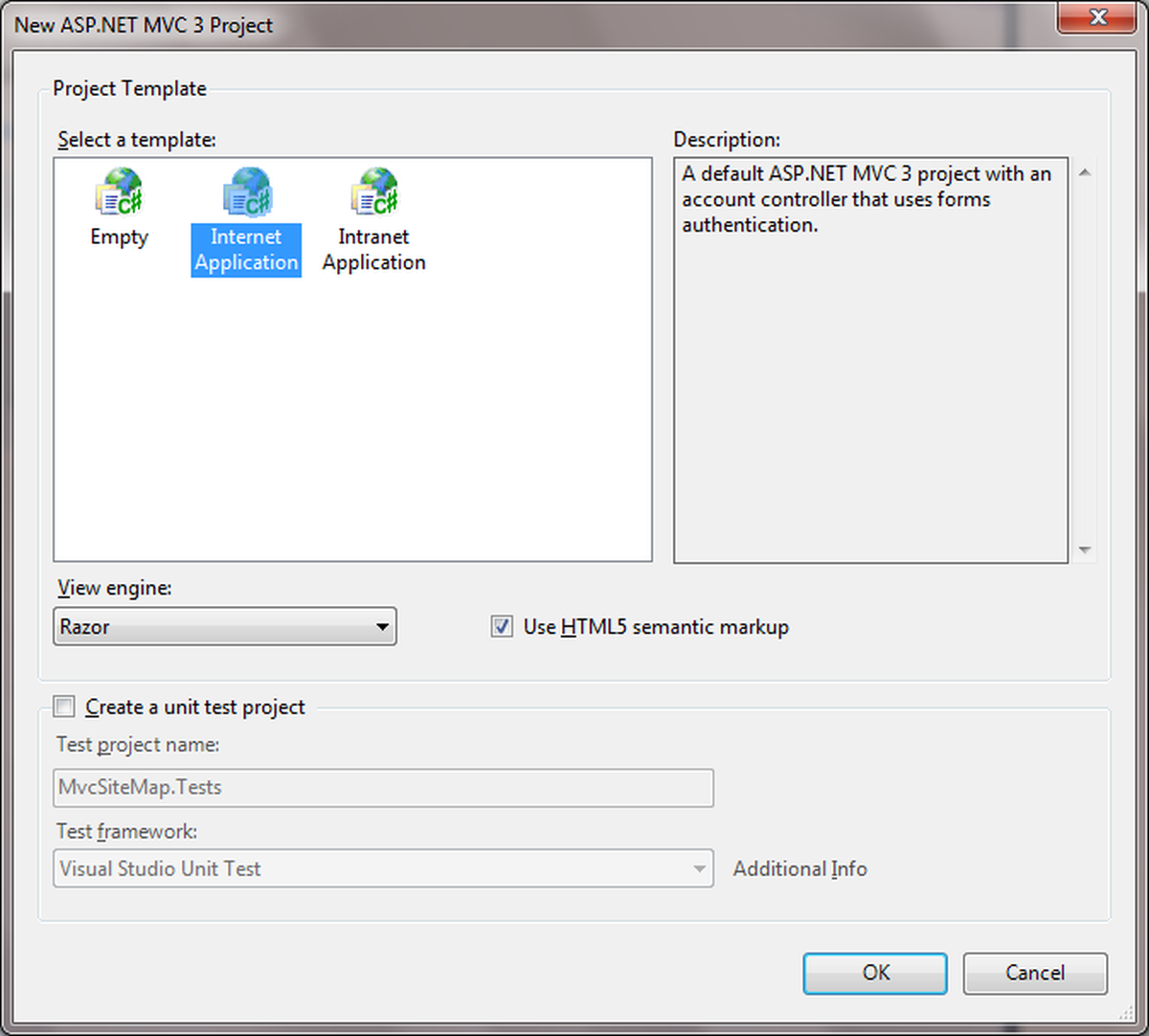
- Start Visual Studio and choose a new MVC 3 application.
- Once that’s done open up the Nuget Package Manager Console and add the Nuget package called mvcsitemapprovider.
- Now we have added the Nuget package you will see that a file called Mvc.sitemap has been added to the root of the solution.
- Now we want to add some content to the MVC.sitemap file, lets add some content now :-
- Ok so now we need to add in a ContactUsController and add the extra 2 ActionResults
- Last but not least in order to show the breadcrumbs on a webpage just add the following code to your view
Now we have the most basic of breadcrumbs working off of our Mvc.sitemap xml file, The next blog entry will cover more complex sitemap which uses a dynamic node provider to generate the nodes dynamically when first called - enjoy.