For a long time I’ve had a fixed idea in my head about GitHub Advanced Security: that trying it meant a sales conversation, a proof of concept arranged through an account rep, and a few weeks of waiting before anything got switched on. That was true when I last looked properly, which I think was 2024, and I’ve been repeating it ever since without checking. Then a sponsored post from GitHub turned up in my LinkedIn feed this month pointing at a self-serve trial, and I felt a bit daft. The docs page for it is short enough that I read the whole thing on the train.
So this is the post I wish I’d read a year ago. What the trial is, who’s allowed to start it, what’s free and what quietly isn’t, and what I’d do with the 30 days.
What you get#
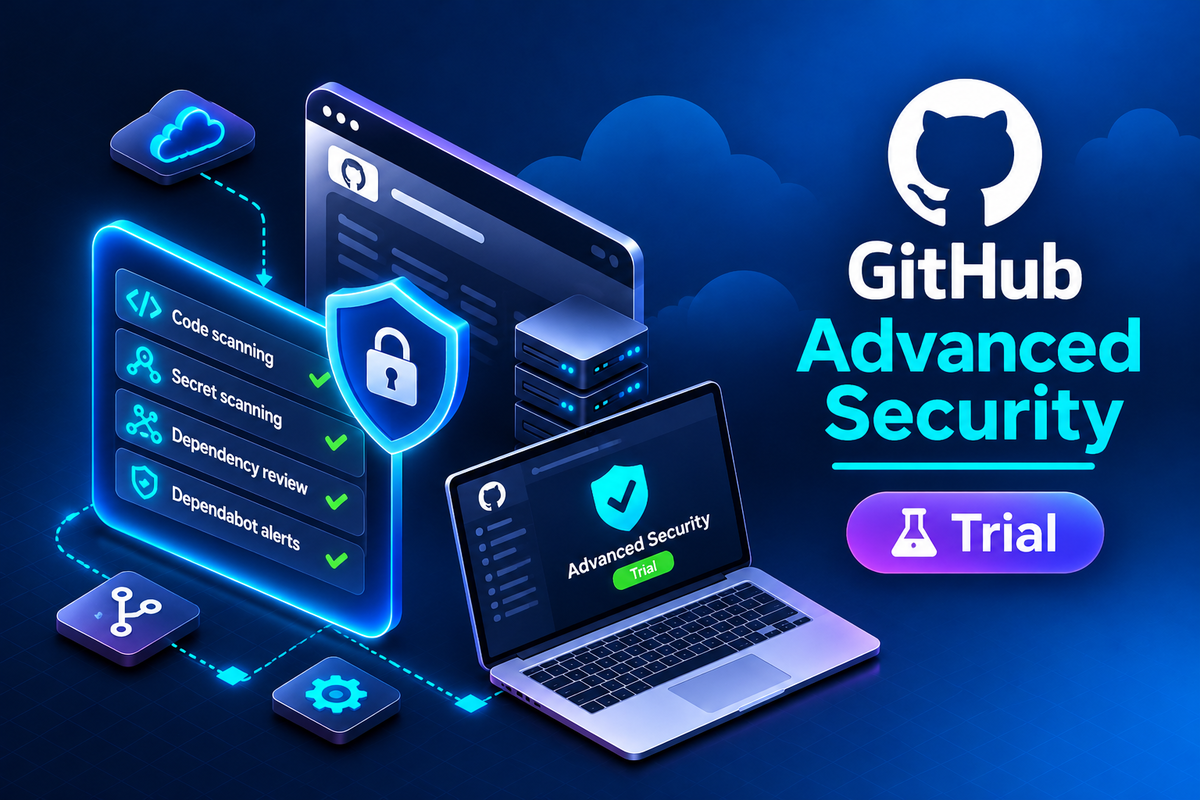
The trial covers both of the products that used to be bundled as GitHub Advanced Security. GitHub Secret Protection, which is secret scanning, push protection, custom patterns, validity checks and delegated bypass. And GitHub Code Security, which is code scanning, Copilot Autofix, dependency review and security campaigns. Both run on your private repositories for 30 days with no licence fees, and the docs say you can add any number of committers and enable the features for any number of organisations in the enterprise.
That last part matters because of how the paid version is charged. GitHub bills these per active committer, where active means someone whose commit was pushed to a repository with the feature enabled in the last 90 days. The marketing page at the time of writing lists Secret Protection at $19 per active committer per month and Code Security at $30. For a 200 person engineering organisation that’s a real number, and the trial is the only way I know of to see what the committer count actually comes to on your repos rather than on a spreadsheet estimate.
Who can start it#
This is where my old assumption turns out to be half right, because the eligibility list is specific. From the docs, all of these have to be true:
- You’re an owner of an enterprise account on GitHub Enterprise Cloud.
- The enterprise pays by credit card or PayPal. If you pay by invoice, you’re back to the sales rep.
- You’ve never bought Advanced Security and don’t hold a paid licence for it.
- You’re not already on metered billing for Advanced Security.
- You’ve had at most one previous Advanced Security trial, and it ended at least 180 days ago.
- The enterprise has 300 or fewer seats.
The invoice one is the catch for a lot of enterprises. Larger agreements almost always go through invoicing, and the docs are plain that the self-serve route is for card and PayPal payers. The planning page says the same thing another way: self-serve suits “small or medium organizations” who want to run the trial on their own. If you’re bigger than that, the trial is still available, it just goes through sales.
If you don’t have an enterprise account at all, there’s a separate 30 day trial of Enterprise Cloud itself, and that one includes Secret Protection and Code Security as part of the package. No payment method needed to start, up to 50 licences, and the trial account gets deleted 90 days after it ends if you don’t convert, so don’t put anything in there you’d miss.
Starting it#
Four clicks. Open your enterprise from the Enterprises page on github.com, click Billing and licensing at the top, then Licensing. To the right of “GitHub Advanced Security” there’s a Start free trial button, and a Start trial confirmation after it. The expiry date and current usage then show on the same Licensing page for the rest of the trial.
Starting the trial doesn’t turn anything on. The features are enabled through security configurations, which are the enterprise-level templates that say which scanning features a repo should have. The docs’ recommended path is to go to the enterprise Settings, click Advanced Security in the left sidebar, click New configuration, review the defaults and the list of trial repositories, then Review and Save and enable. After that you apply the configuration to all repositories or just the ones without one, at either the enterprise or organisation level, and watch the status move from attaching to attached. I’d apply it to a handful of repos first rather than the whole estate, for reasons that come next.
What isn’t free#
The licence fees are waived. Usage-based billing is not. The docs carry a note saying Secret Protection and Code Security are free of charge during trials, and the next sentence says you’ll be charged for Actions minutes used by default code scanning setup if you’ve run out of your allocation.
The mechanics are that code scanning on a private repo runs as a workflow on GitHub-hosted runners, and those minutes come out of the 50,000 a month included with Enterprise Cloud. Code scanning workflows do count. Public repos and self-hosted runners don’t consume minutes, and larger runners are billed separately regardless. If your Actions usage already sits near the allocation, turning on default setup across every private repo on day one will show up on the bill.
The other usage line is AI credits. Copilot Autofix and the newer AI Scan features draw on those, and the trial doesn’t exempt them. I wrote about AI applications scanning last week and the same point applies there, credits on top of the licence.
I’ll flag one thing I couldn’t reconcile. The Enterprise Cloud trial page says the 50,000 included minutes don’t apply during an Enterprise Cloud trial and caps it at 3,000 standard runner minutes instead. The Advanced Security trial page talks about the 50,000 as if it’s there. I think the difference is that one page assumes you’re a paying Enterprise Cloud customer and the other assumes you’re trialling that too, but check the Licensing page rather than trusting either of them.
How I’d spend the 30 days#
The planning page has one piece of advice I’d underline. Use existing repositories. The docs say deliberately insecure apps like WebGoat are “not the best test” because code scanning may report fewer issues in them than other scanners do, and I’d add that nobody on the team cares whether a demo app has findings. They care whether the payments service does.
So pick five or six private repos that matter, with different languages and different teams behind them. Turn on Secret Protection first, because the results arrive within hours and need no workflow. Look at the historical findings, then switch on push protection and watch what it blocks over a fortnight. That one feature is usually enough to justify the $19 on its own.
Code Security takes longer to judge. Default setup for code scanning, dependency review on pull requests, and give it two weeks of real PRs before forming a view. If you have a repo with a known backlog of old findings, run a security campaign against it and see how far Copilot Autofix gets with the fixes, because that’s the part people are paying the extra $30 for.
Write the goals down before day one. The planning page suggests a table of needs against features, and I’d keep it to four or five lines. Then on day 25 look at the committer count on the Licensing page, multiply it out, and decide.
Caveats#
The trial ends after 30 days whether you’ve looked at it or not, and the docs don’t say what happens to the enabled features at that point beyond “your trial will expire”. I’d assume they switch off and plan accordingly. You can end it early by purchasing, through the Manage dropdown next to the trial on the Licensing page, and GitHub may place a temporary authorisation hold for the usage-based costs when you do.
The 300 seat limit, the card-or-PayPal requirement and the 180 day gap between trials are all hard rules on the docs page. The one-previous-trial rule in particular means a half-hearted trial started by someone who’s since left the company can lock you out for six months, so check the Licensing page before you promise anyone a start date.
And a licence consumed on a trial repo counts for any other repo that committer touches once you’re paying, because it’s per person, not per repo. Enabling the features broadly during the trial gives you the honest committer number. It also gives you the honest bill.
Final thoughts#
If you’re an enterprise owner on Enterprise Cloud, pay by card, and have never bought Advanced Security, go to Billing and licensing, then Licensing, and see whether the Start free trial button is there for you. Don’t press it yet. Pick the repos, write down the four questions you want answered, check your Actions minutes, and then press it on a Monday so you get a clean four weeks. And if, like me, you’ve been telling people it needs a sales call, stop. It’s a button.