I don’t get genuinely excited about a learning platform very often. But the Frontier Transformation Engineer Learning Journey on Level Up has done exactly that, and I’ve been chipping away at it for a short period now, so I wanted to write about it properly.
What Frontier actually is#
If you haven’t come across Level Up yet, it’s a Microsoft-sponsored skilling platform, and Frontier is its flagship journey - built specifically for people like us who design, build and deploy AI-powered solutions on Microsoft’s stack day to day. Solution engineers, AI engineers, cloud engineers, architects, technical consultants - if that’s your world, this is built for you.
It’s a big journey. Around 86 hours of content across three phases:
- Certifications - six of them, including GH-300 (GitHub Copilot), AI-103 (building Azure AI apps and agents), and AB-100 (Agentic AI Business Solutions Architect), alongside three more.
- Project-Ready Learning + Assessments - ten modules covering Microsoft IQ, Work IQ, Copilot, Agentic AI, Fabric IQ and Agent 365, every one of them backed by hands-on labs rather than just slides and video.
- Frontier CoE & Hypervelocity Engineering - the advanced end of the journey, focused on building AI Centres of Excellence and industry-specific implementation patterns.
Everything is self-paced, which matters a lot when you’re trying to fit this in around a day job and everything else. There are optional prep courses, required assessments (you need 80% to pass), and proper hands-on labs throughout - not just multiple choice questions designed to tick a box.
Why it’s landed at exactly the right time for me#
Anyone who reads this blog regularly will know the last year has been all about AI for me - building apps with Copilot and Copilot CLI, writing up Build and Ignite takeaways, trying to keep pace with how fast the Azure AI stack is moving. The problem I kept running into is that most of what I was learning was self-directed and a bit scattered - a module here, a blog post there, a YouTube video when I had a spare hour.
Frontier is the first thing I’ve found that pulls all of that into one coherent, structured path. Instead of picking up fragments of Copilot, agentic AI, and Fabric separately, you work through them as a connected journey that’s clearly been designed by people who understand how these pieces actually fit together in real projects. It’s project-ready learning in the genuine sense - the labs feel like the kind of thing you’d actually be asked to build for a customer, not a sanitised training exercise.
How I’m getting on#
I started on the Certifications phase, working through GH-300 first since Copilot is where I’ve already got the most hands-on experience, and it was a good confidence builder before moving into less familiar territory. I’m now making my way through the Project-Ready Learning modules, and Agentic AI and Agent 365 in particular have already changed how I’m thinking about a couple of things I’m building right now. I’m nowhere near the CoE and Hypervelocity Engineering content yet, but that’s the part I’m most looking forward to once I get there.
The self-paced format is genuinely working for me. I’m doing it in chunks - a couple of hours a fortnight - and the progress tracking means I’m not losing my place every time I have to stop and come back to it.
Go and do this#
If you’re already active in the Microsoft AI Cloud Partner Program, or your organisation is, get in touch with your Partner Administrator and get set up. It’s a bit of admin up front - a Level Up account on your company email, an MS Learn profile matching it, and linking both to Partner Center - but it’s a five minute job and worth doing properly so your progress actually counts.
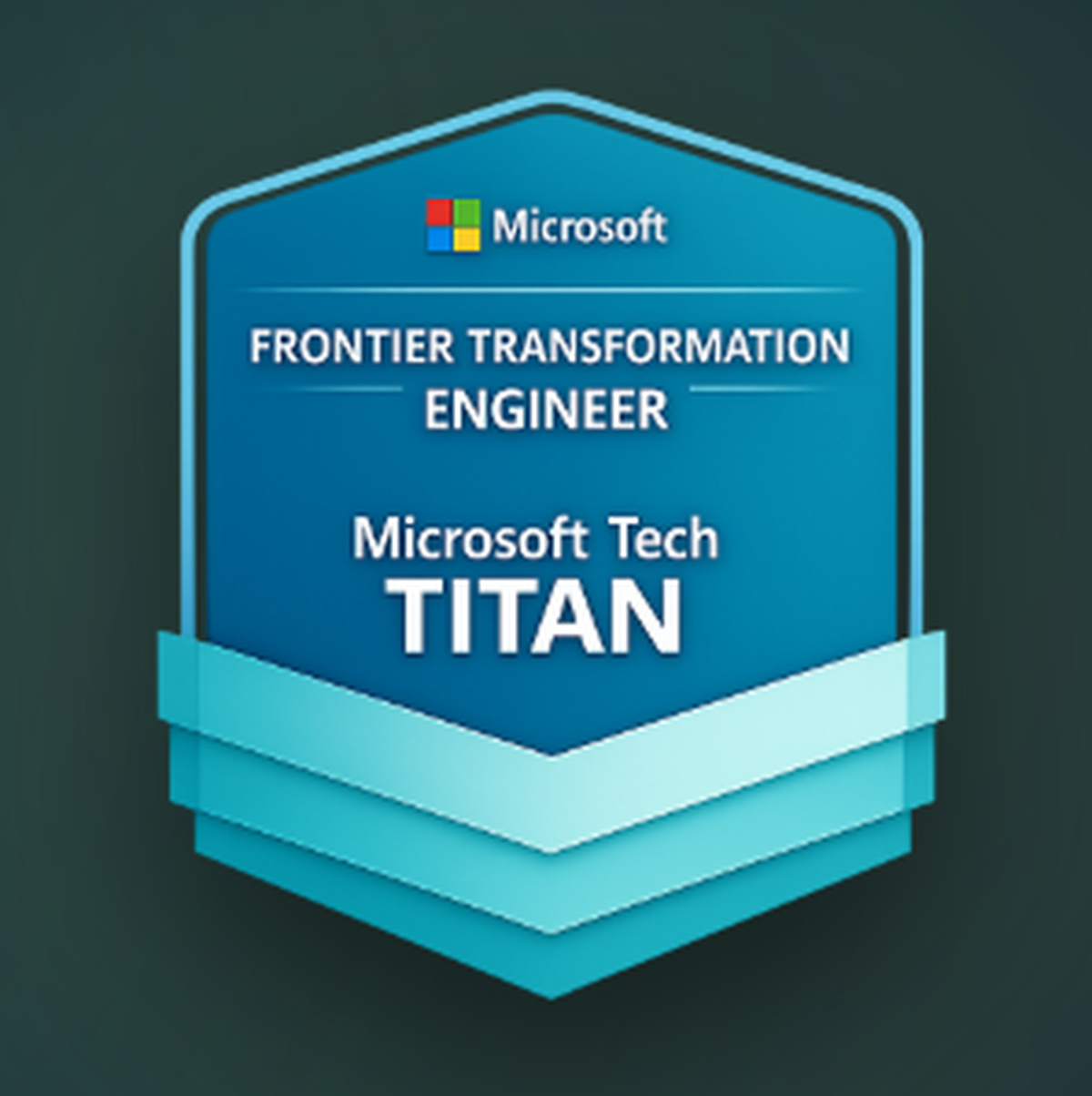
Once you’re in, don’t try to do it all in one sitting. Pick a phase, work through it properly, use the labs rather than skipping to the assessment. The badge at the end is nice, but it’s genuinely the least interesting part of this - the reason to do Frontier is that the content is some of the best structured AI upskilling I’ve come across from Microsoft in a long time.
I’ll keep posting updates here as I move through the rest of the journey. If you’re doing it too, or you start after reading this, let me know - I’d love to compare notes.